dxvk-on-openbsd(1) how to install dxvk dxvk-on-openbsd(1)
How to use dxvk on OpenBSD
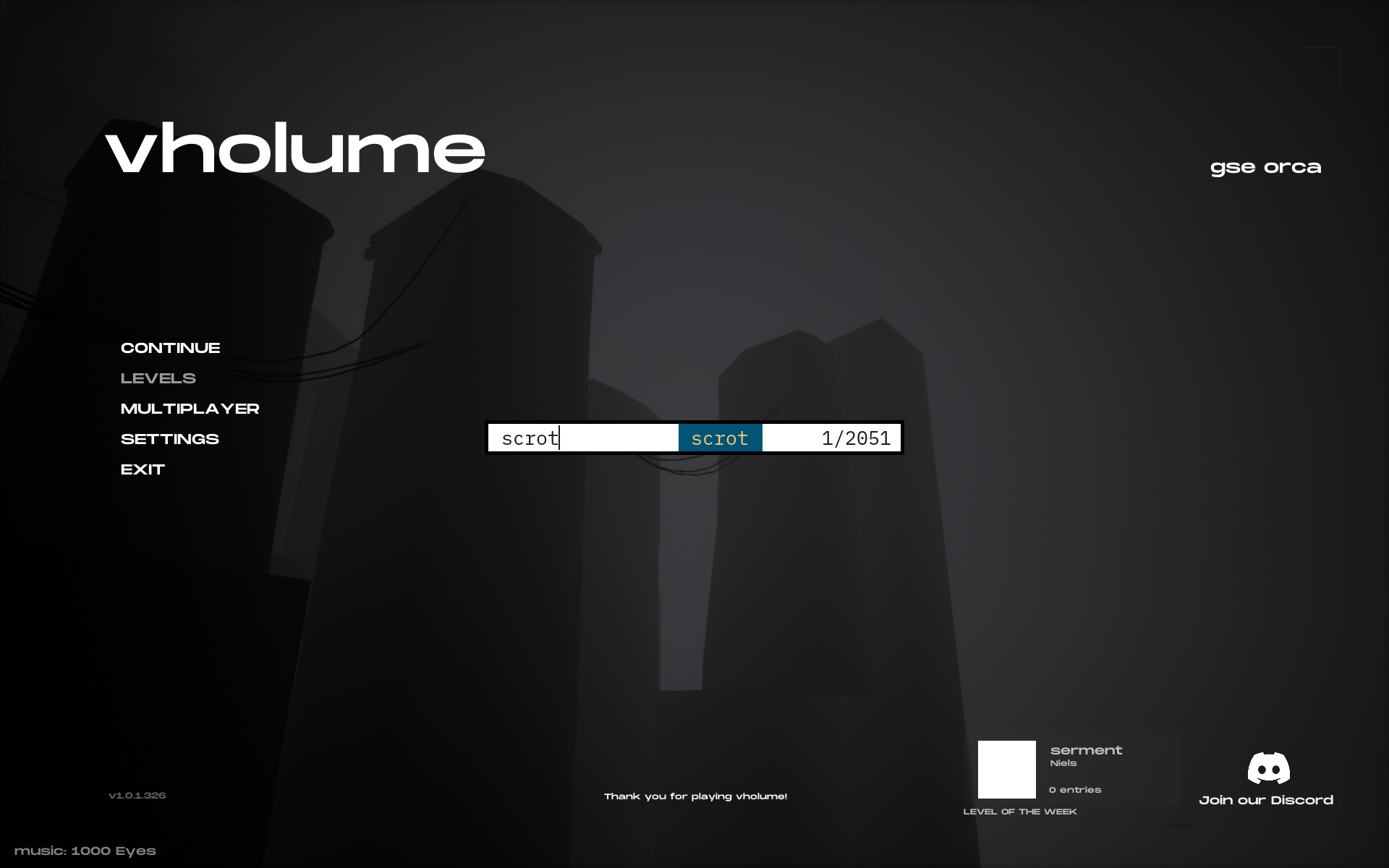
VHOLUME without dxvk
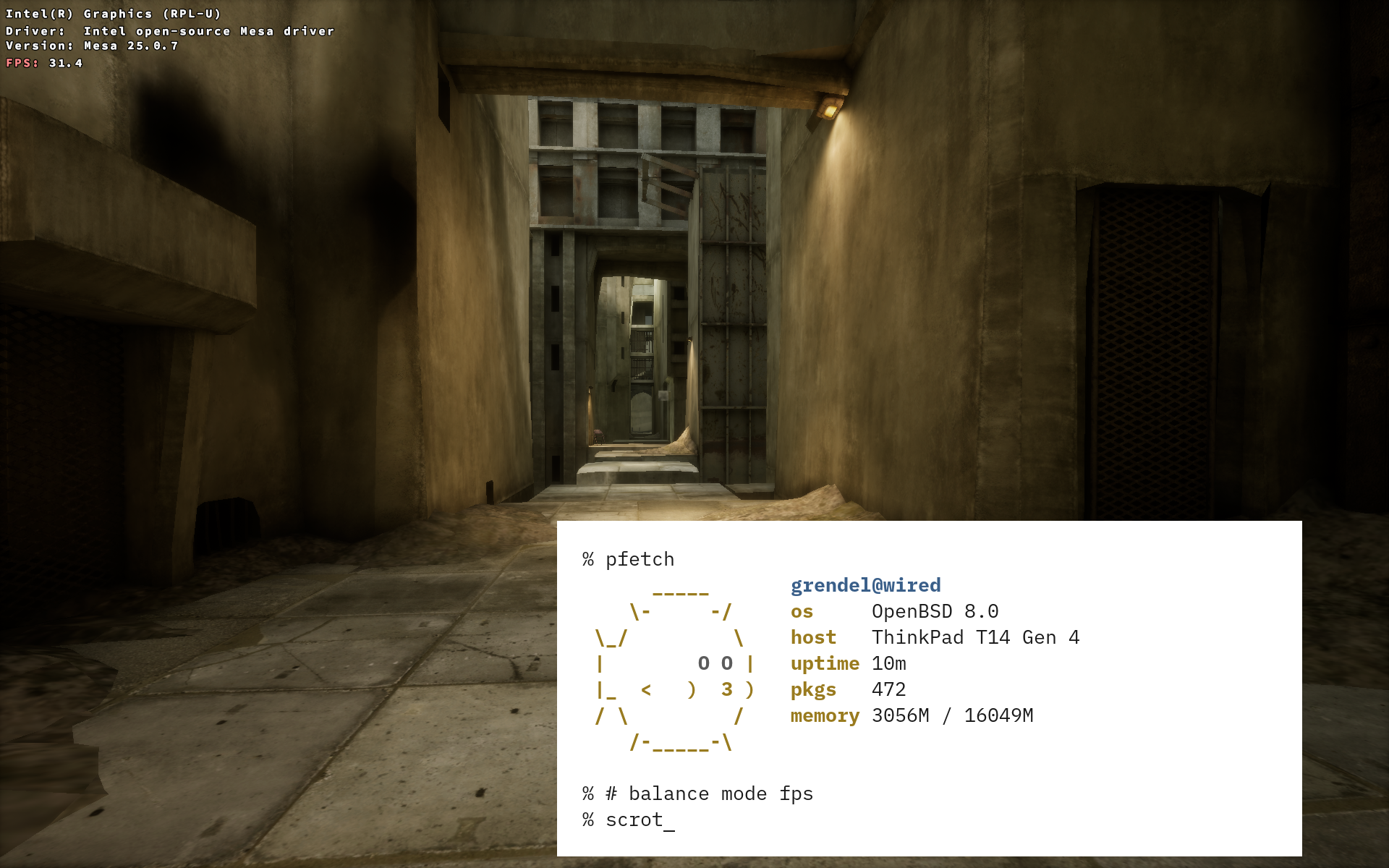
VHOLUME with dxvk
1. Download dxvk from here
2. Install it in your wine dir
tar xzf dxvk-*.*.tar.gz
cd dxvk-*.*
export WINEPREFIX=YOURPREFIX(default ~/.wine)
cp x64/*.dll $WINEPREFIX/drive_c/windows/system32/
alias dxvk='WINEDLLOVERRIDES=d3d11,d3d10core,dxgi=n,b
DXVK_HUD=devinfo,fps wine'
dxvk VHOLUME.exe
Hope you will enjoy it!
November 10, 2026 ohmu